


VSCO: Photo Editor provides a comprehensive suite of tools for mobile photography editing, integrated with a community-driven platform. Users can enhance their images with professional-grade presets and precise editing controls, then connect with other creators to share their work and develop their unique style. The app empowers photographers to not only refine their photos but also to be discovered and flourish creatively within a supportive network.
VSCO Presets and Filters
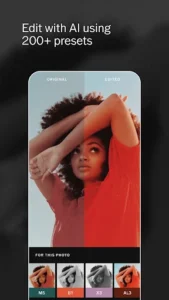
The app offers an extensive library of over 200 curated photo presets designed for digital photography enhancement. These include the member-favorite AL3 preset, which brightens and softens light in photos while maintaining a natural appearance, making it suitable for outdoor, indoor, food, and night photography. Users can also apply film emulation presets to achieve a timeless vintage film look. Additionally, VSCO includes 16 of its most popular filters for free, allowing immediate image editing without the need for in-app purchases. These presets and filters enable users to craft diverse photo looks, ranging from muted tones to vibrant saturated colors.
Advanced Image Editing Tools
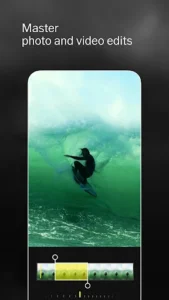
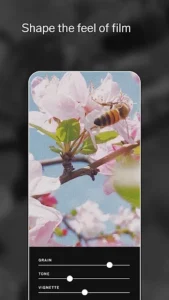
VSCO provides precise editing controls to help users achieve a desired aesthetic. The Grain tool allows for creating authentic film texture by controlling the strength, size, and color of the grain. Users can master tones with HSL color adjustment for detailed color refinement. Furthermore, the powerful Dodge and Burn tool empowers creators to expertly shape light, correct common issues, and guide the viewer’s eye to a specific focal point, mimicking traditional darkroom techniques.
In-App Camera Features
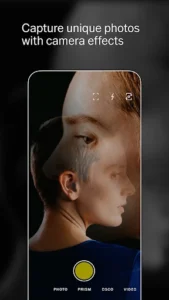
Beyond editing, the app integrates a Camera feature with four distinct options to enhance photo capture. These include Burst for capturing multiple shots in quick succession, Retro for vintage-style photography, Prism for unique visual effects, and DSCO, which also features a built-in GIF maker. This allows users to create new content directly within the app with various creative effects.
Collage Creation
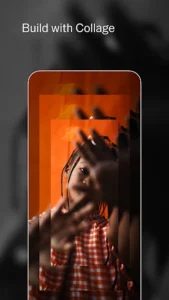
Users can rapidly craft photo collages using pre-set templates or by starting with a blank canvas. The Collage feature allows for customization of unique compositions with personal photos, adjustable shapes, colors, and sizes. This functionality is presented as a way for photographers to effectively present their work.
Community and Discovery with VSCO Spaces
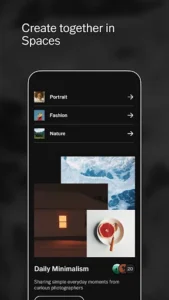
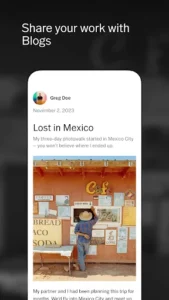
VSCO functions as a community-driven platform where photographers can connect with other creators and businesses. The app facilitates showing projects and joining group galleries through features like VSCO Spaces. This network aims to empower photographers to be discovered by a wider audience and engage with peers, supporting both creative and professional development.






Write a review